

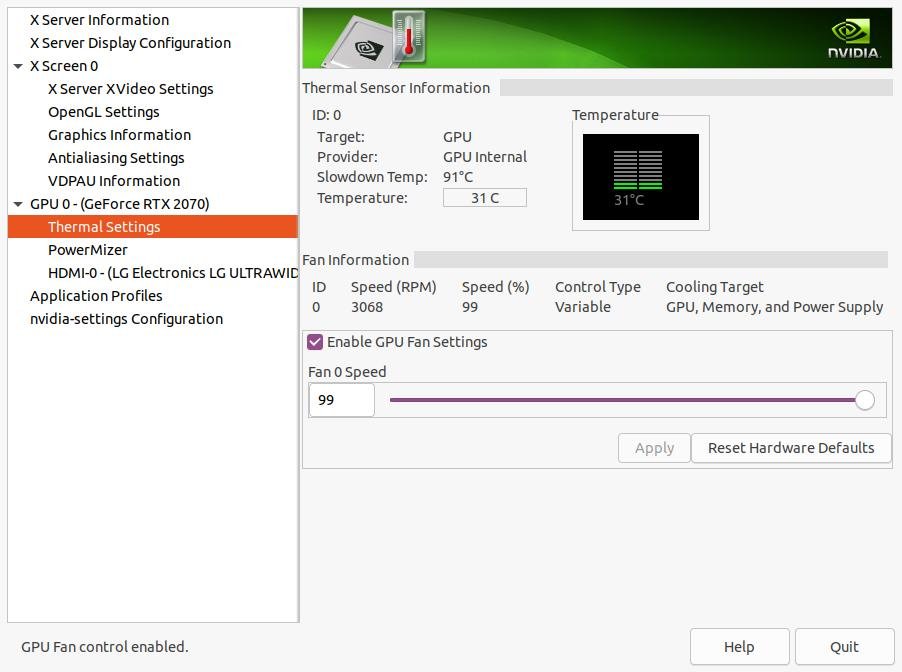
How to Enable GPU fan settings nvidia in Linux
We found the solution. We had to run the following first and restart
Option 1
Edit the xorg.conf file:
/etc/X11/xorg.conf
You should look for the NVIDIA section and add the following:
    Option "ModeValidation" "AllowNonEdidModes"
    Option         "TripleBuffer" "1"
    Option         "Coolbits" "4"
finally the file is as follows:
Section "Device"
    Identifier     "Device0"
    Driver         "nvidia"
    VendorName     "NVIDIA Corporation"
    BoardName      "GeForce RTX 3080"
    Option "ModeValidation" "AllowNonEdidModes"
    Option         "TripleBuffer" "1"
    Option         "Coolbits" "4"
EndSection
Note: If this file does not appear, run the following command and look for the file again
sudo nvidia-xconfig -a --cool-bits=28
After that, please change gpu fan speed in the Nvidia X server Settings windows
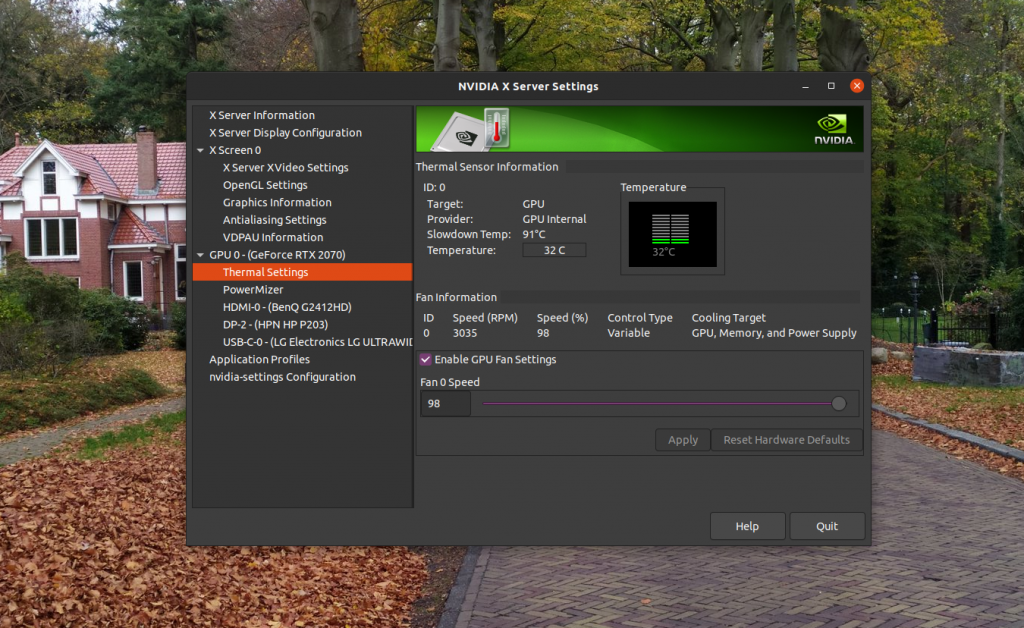
Tested on:
Ubuntu 20.10
- GeForce RTX 3080
- GeForce RTX 3070
- GeForce RTX 2080
- GeForce RTX 2070
- GeForce RTX 2060
- GeForce RTX 1080
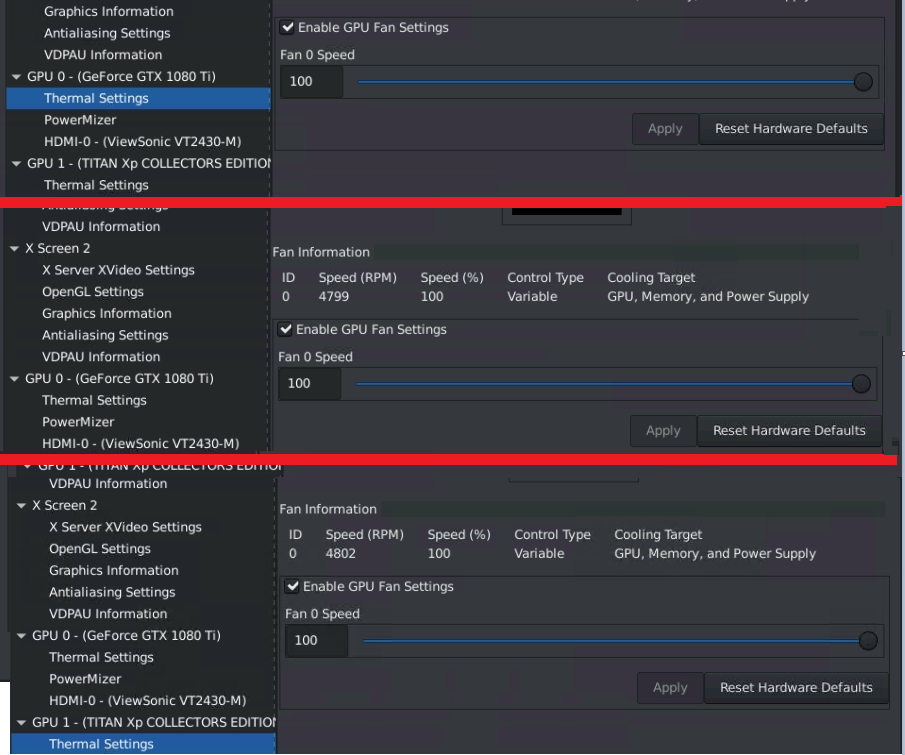
Option 2
Found the solution. I had to run the following first and restart
sudo nvidia-xconfig -a --cool-bits=28
But I have another question. After reboot, The GPU control the FAN automatically. Then If I set the fan speed manually via
nvidia-settings -a '[gpu:0]/GPUFanControlState=1' -a '[fan:0]/GPUTargetFanSpeed=99'
It works as it should. But when I set
nvidia-settings -a '[gpu:0]/GPUFanControlState=0'
afterward, now the Nvidia X Server Settings does not update the FAN Speed although it is possible to see in Nvidia-smi that the fan speed is still changing.
By the way I updated to driver.