How do open a file in Notepad++ from cmd?
Even though the Notepad++ directory is not in your path, you can use the command below to run the program from the command prompt:
start notepad++
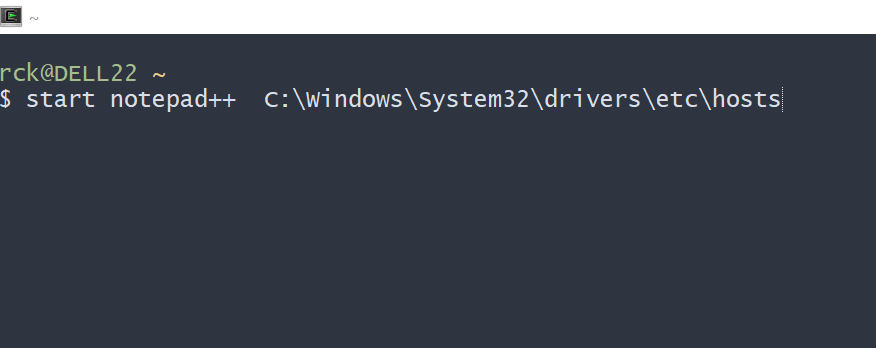
To open a file in Notepad++, run:
start notepad++
Examples:
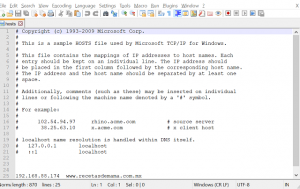
start notepad++ C:\Windows\System32\drivers\etc\hosts
Controlling Notepad++ at startup by passing it Command Line Options
We work in PowerShell and just create a function called npp in my profile script
function npp([string]$FilePath=$null){
 if($FilePath -eq $null){
  Start "C:\Program File\Notepad++\notepad++.exe"
 }
 else{
  Start "C:\Program File\Notepad++\notepad++.exe" -ArgumentList $FilePath
 }
}
Notepad++ History
Notepad++ was developed by Don Ho in September 2003. The developer used a Java-based text editor (JEXT) at his company but, dissatisfied with its poor performance, he began to develop a text editor written in C++ with Scintilla.